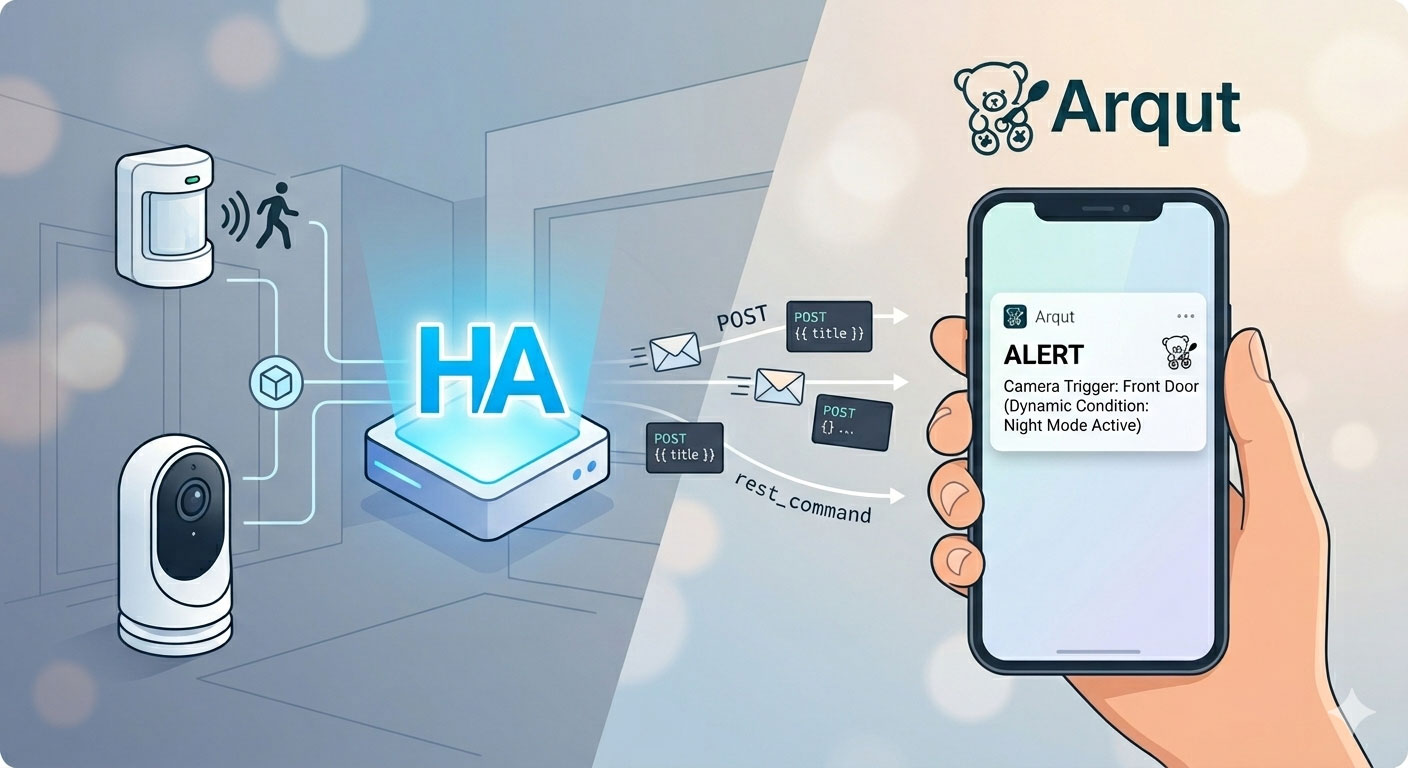
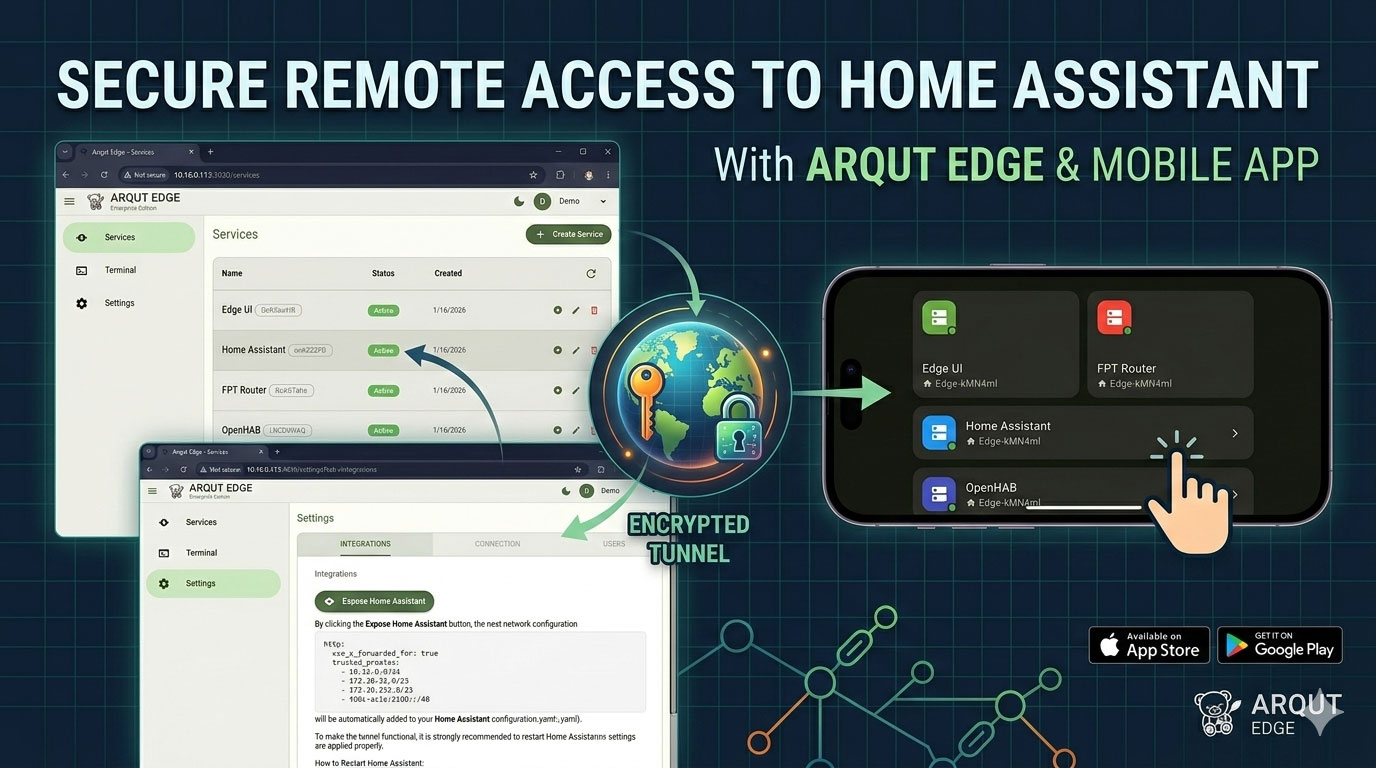
Introducing Event Logs: Real-Time Monitoring and Notifications in Arqut Edge v0.7.1
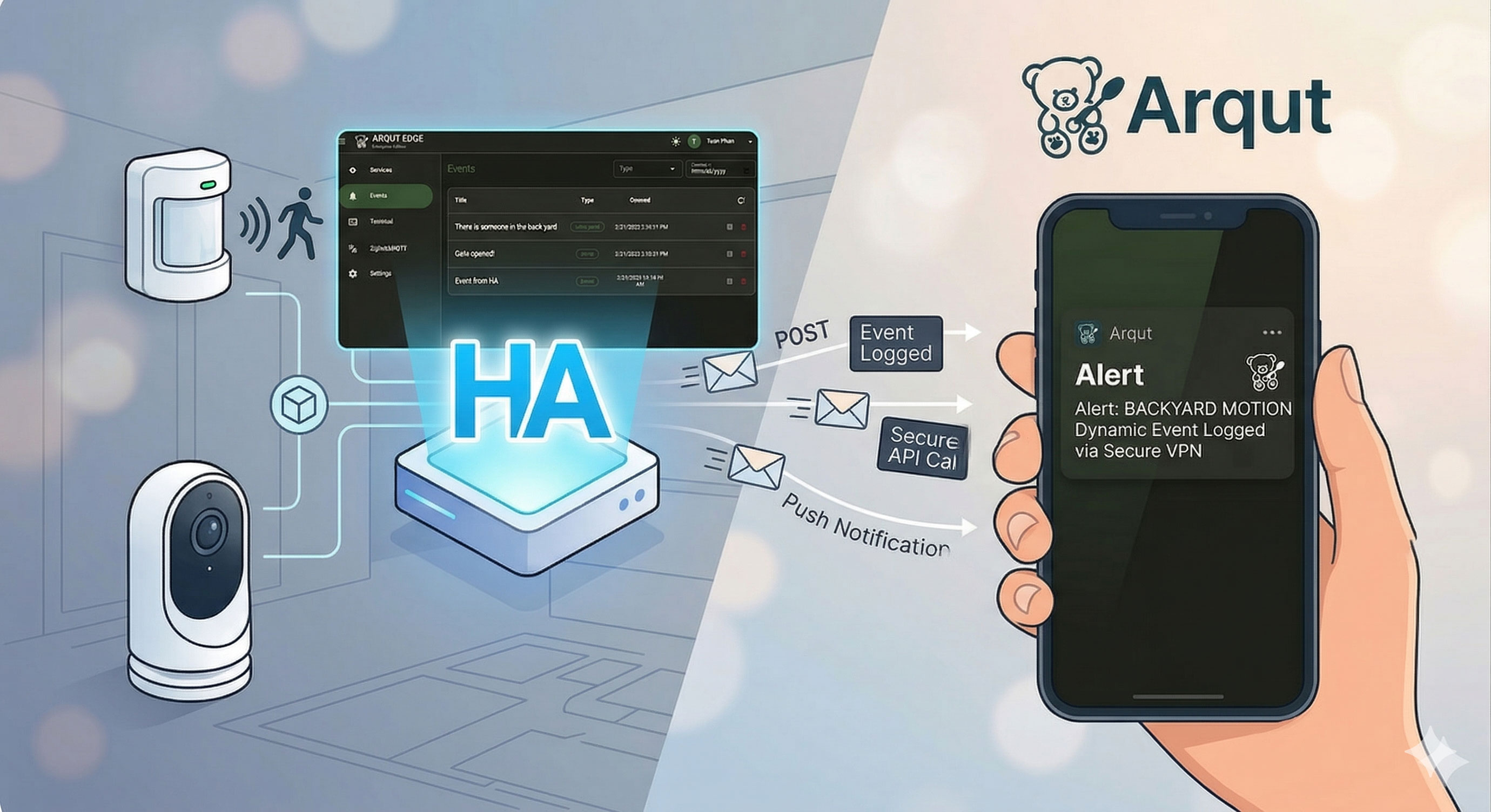
Managing a smart home or a remote server requires more than just a secure connection; it requires visibility. While Arqut Edge has already simplified how you access your Home Assistant (HA) instance via secure peer to peer tunnel, our latest release—v0.7.1—brings a powerful new feature: Event Logs.
What is the Event Log?
The Event Log (or simply Events) is a centralized hub within the Arqut Edge UI that captures and displays activities from your connected services. By calling the Arqut Edge API, any external service or automation can “publish” an event directly to your dashboard.
When an event is published:
- Persistent Logging: The event is stored and viewable within the Arqut Edge UI.
- Instant Push Notifications: Arqut Edge immediately forwards the alert to your mobile device via the Arqut app.
- Seamless Navigation: Tapping the notification on your phone opens the Arqut Edge UI via secure peer to peer tunnel, allowing you to view full event details, images, and data.
Why use Events?
- Secure Remote Notifications: Receive critical alerts (like security triggers) while away, without exposing your HA instance to the public internet.
- Server Health Monitoring: If you use Arqut Edge on a server, you can trigger events for system issues like high CPU usage or service failures.
- Rich Data Integration: Events support images (e.g., camera snapshots) and custom key-value pairs for detailed debugging.
Guide: Publishing Events from Home Assistant
Follow these steps to integrate your Home Assistant automations with the Arqut Edge Event Log.
1. Setting up the Arqut REST Command
Add the following rest_command configuration to your configuration.yaml file. This allows HA to communicate with the Arqut Edge API.
Tip: Store your API key in
secrets.yamlunder the namearqut_edge_api_keyfor better security.
rest_command:
  arqut_edge_create_event:
    url: "http://homeassistant.local:3030/api/events"
    method: POST
    content_type: "application/json; charset=utf-8"
    headers:
      Authorization: !secret arqut_edge_api_key
    payload: >-
      {
        "title": {{ title | to_json }},
        "description": {{ description | to_json }},
        "event_type": {{ event_type | default("event") | to_json }},
        "data": {{ data | to_json if data is defined else "null" }}
      }
Step 2: Create a Basic Automation
Now, let’s put it to work. This example triggers a notification every time motion is detected in the living room.
# automations.yaml
automation:
  - alias: "Notify: Motion in Living Room"
    trigger:
      - platform: state
        entity_id: binary_sensor.living_room_motion
        to: "on"
    action:
      - action: rest_command.arqut_edge_create_event
        data:
          title: "Security Update"
          description: "Motion detected in the Living Room."
          event_type: "notification"
Advanced Usage: cURL and Data Payloads
For developers or those using scripts outside of Home Assistant, you can publish events using a standard cURL command. This is particularly useful for including rich data like camera snapshots:
curl --location 'http://homeassistant.local:3030/api/events' \
--header 'Accept: application/json' \
--header 'Content-Type: application/json' \
--header 'Authorization: Bearer YOUR_API_KEY' \
--data '{
    "title": "Gate Activity",
    "description": "The front gate was opened.",
    "event_type": "security",
    "data": {
        "image": "http://homeassistant.local:8123/local/snapshots/gate_cam_latest.jpg",
        "link": "http://homeassistant.local:8123/local/snapshots/_index.html"
    }
}'
By integrating Events, Arqut Edge moves beyond a simple proxy and becomes a proactive monitor for your digital ecosystem. Update your Arqut Edge App today and start logging!